Local
Null: How to Set Up a Mesh Wi-Fi System the Right Way
Meet in Common connects news with real conversations. Use ThinkMatch to arrange a Roundtable and meet people to discuss this story.
Source: Blog Daily
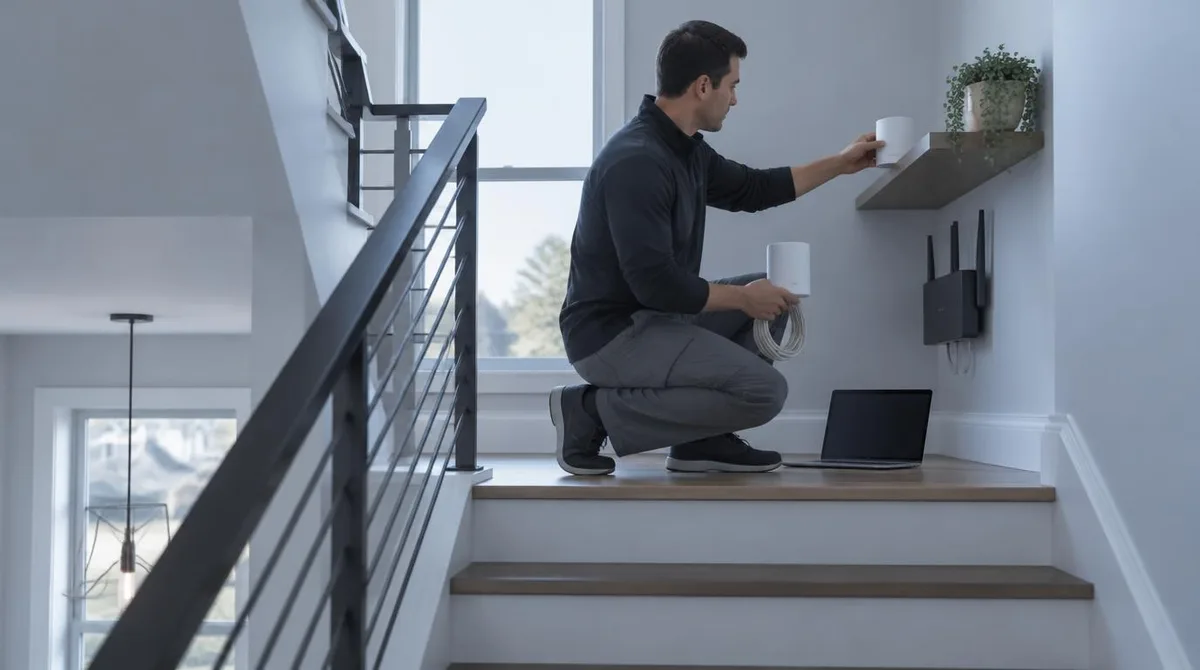
Set up a mesh Wi-Fi system by pairing the gateway node with the maker app, placing each satellite no more than 50 feet from its neighbor, and wiring nodes together where Ethernet already runs. The catch: the provider's modem-router combo can fight the new mesh, and eero's support documentation says to set up the mesh first, then bridge that combo box. Those numbers come from the makers themselves. TP-Link's support FAQ says Deco range "varies depending on several environmental factors rather than having a fixed distance specification," with 50 feet the practical wireless spacing. eero's wired-backhaul guidance, dated May 19, 2026, says Ethernet between nodes "frees up bandwidth and improves speed, stability, and latency." Here is how to put that on the walls of a real house. This connects to our earlier piece, How to Set Up a New Android Phone in 2026, Step by Step. Where Should Each Node Go?
This excerpt comes from the named source. Read the original for the full reporting.
Read the original at Blog Daily