Local
Null — How to Set Up a New Computer: Migration Order That Avoids Regrets
Meet in Common connects news with real conversations. Use ThinkMatch to arrange a Roundtable and meet people to discuss this story.
Source: Blog Daily
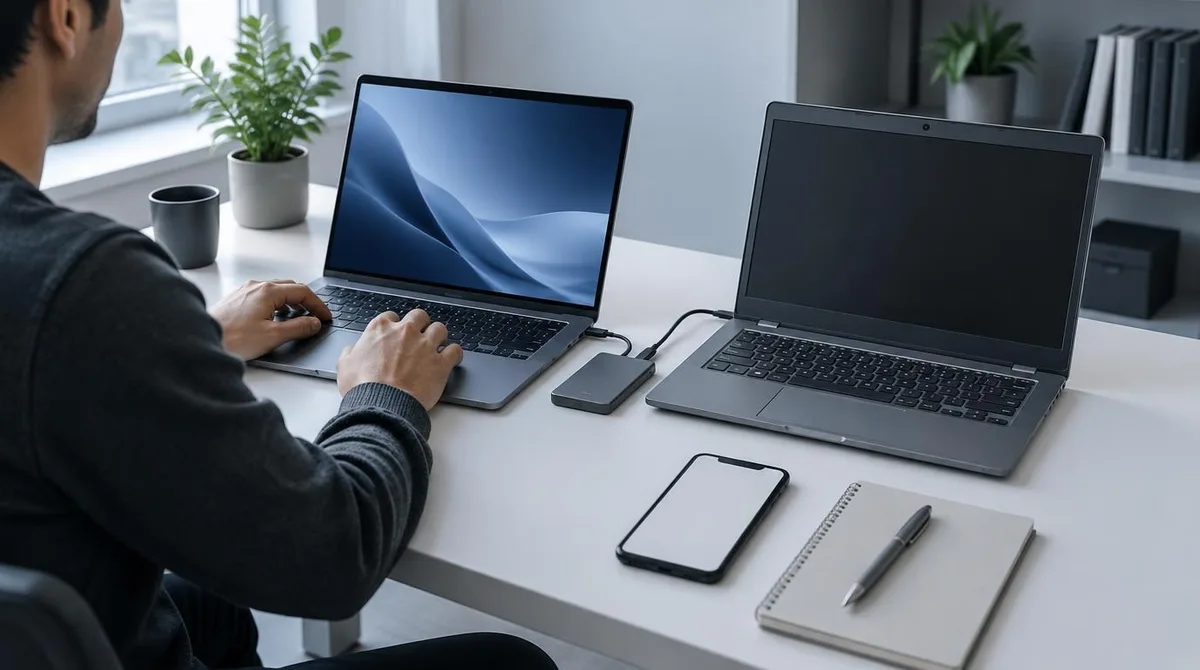
The right order for a new computer is accounts first, transfer second, backup before any wipe. Sign in, move two-factor codes, run the documented transfer tool, then keep a full backup until the old machine is gone. The catch is storage: Microsoft's Windows Backup syncs to OneDrive, and a free account includes 5 GB as of October 2026. The sources here are platform documents, checked October 2026. Apple's Migration Assistant page says the tool copies documents, apps, user accounts, and settings to a new Mac and never deletes anything from the old one. Microsoft's Windows Backup guide covers the Windows path: account sign-in, folder sync, and settings. This connects to our earlier piece, How to Set Up a New iPhone and Transfer Everything From Your Old One. Which Accounts Come First? Sign in to the backbone accounts before any files move: the Apple ID or Microsoft account, the password manager, and the authenticator that holds two-factor codes.
This excerpt comes from the named source. Read the original for the full reporting.
Read the original at Blog Daily