Local
Null: How to Set Up a New TV Out of the Box, Step by Step
Meet in Common connects news with real conversations. Use ThinkMatch to arrange a Roundtable and meet people to discuss this story.
Source: Blog Daily
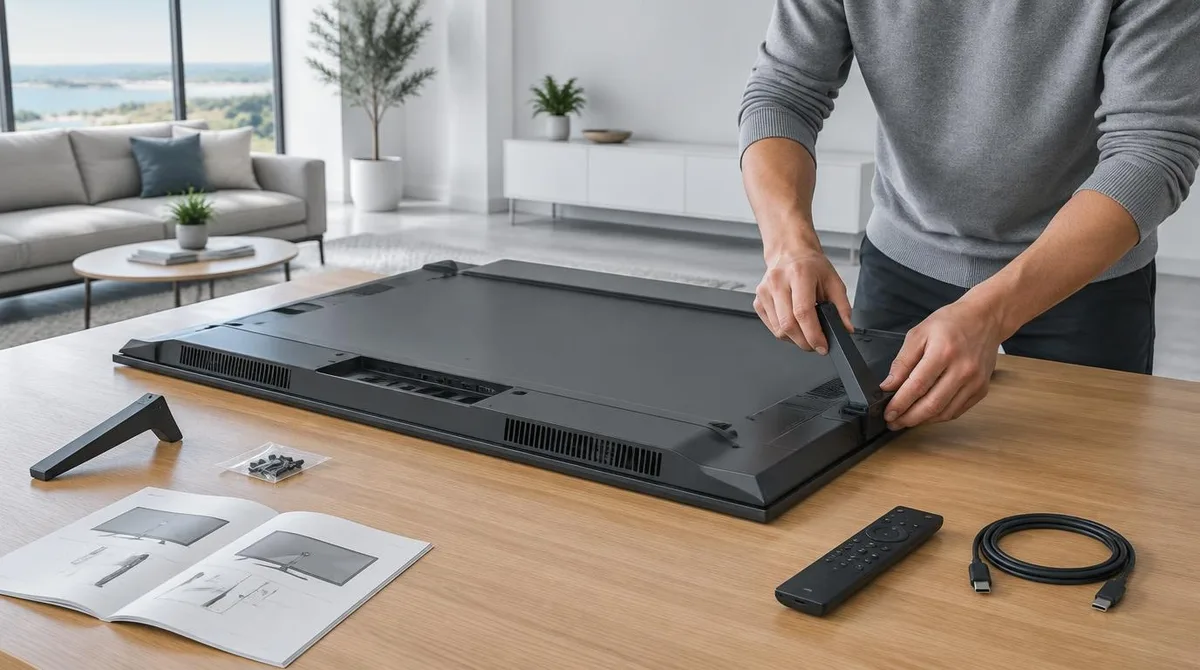
The short version: lay the TV facedown on a table, attach the stand with the packed screws, walk through the on-screen setup, and let the TV install its updates. The catch: on Samsung’s documented flow, skipping the account sign-in leaves a TV with only HDMI inputs and over-the-air channels. The steps below follow Samsung’s published setup guide for its Smart Hub TVs, checked on the company’s support site as of October 2026, plus TCL’s wall-mount documentation. Menus shift between brands and model years, so treat the wording as a map rather than a script. The printed Quick Setup Guide in the box wins wherever the two disagree. This connects to our earlier piece, How to Set Up a New Android Phone in 2026, Step by Step. What Comes Out of the Box? Expect paper, screws, a remote, and a power cord.
This excerpt comes from the named source. Read the original for the full reporting.
Read the original at Blog Daily