Stuck in a Drag State
Listen through the publisher, then discuss the episode here or arrange an in-person Roundtable. Your city determines where to meet.
Roundtables are designed for groups of four, with a shared subject and room for everyone to speak. Come for discussion, with no dating expectation.
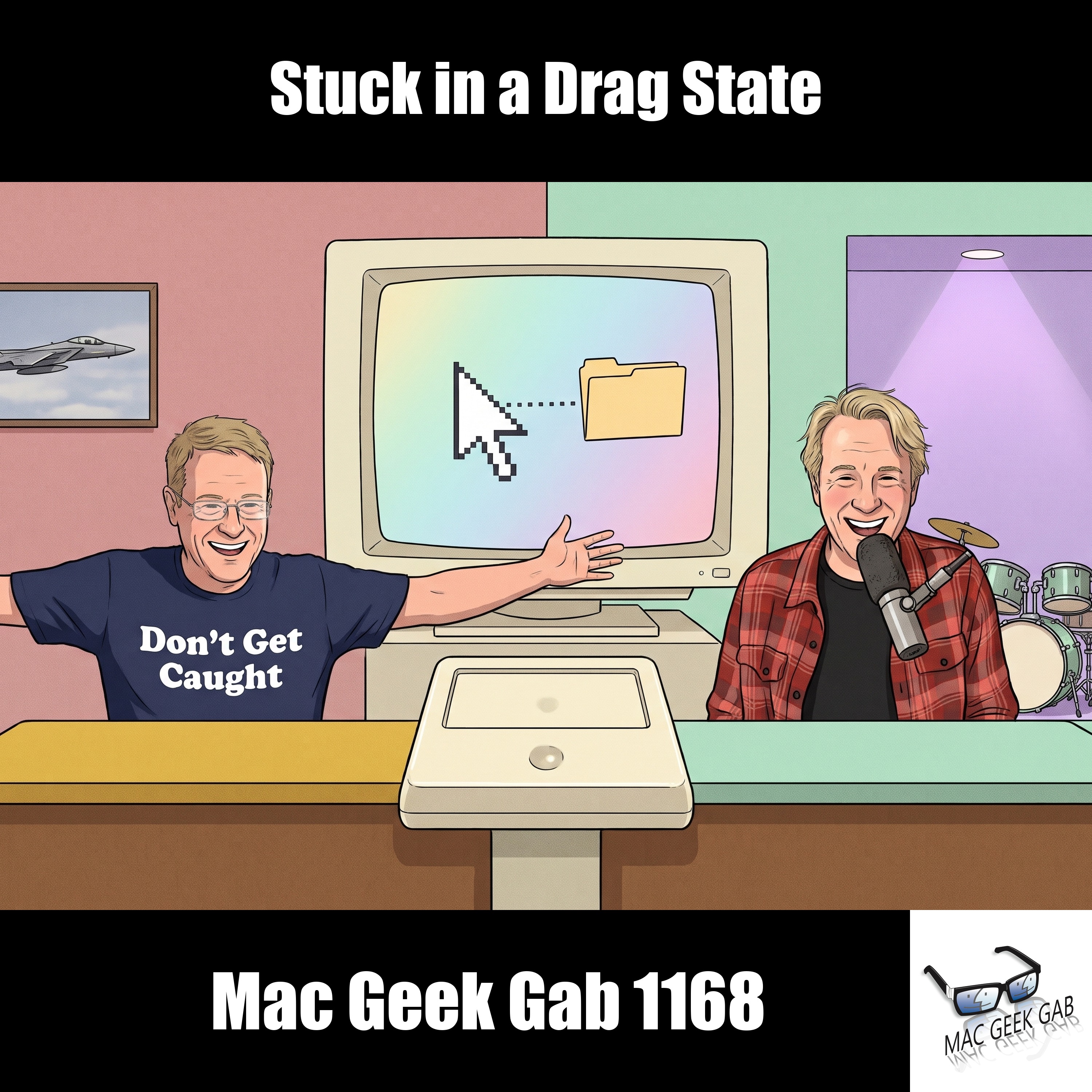
Kick off Mac Geek Gab 1168 with a stack of Quick Tips: watch your place in the hold queue count down right in the Dynamic Island with Hold Assist, put the same app icon on two home screens, and jump straight to your home folder with Shift-Command-H (plus its Go-menu siblings). You’ll squeeze a 30-second long exposure out of your iPhone by triggering it from your Apple Watch, ditch the Write with Siri popover by switching to Siri Classic in Screen Time, collapse every Apple Notes folder with a single Option-click, slip a photo past prying eyes with Invisible Ink, and spot the unsent drafts Messages quietly saves for you. Then your two geeks answer your questions. Find out why some Wi-Fi networks block iCloud Private Relay, stop Siri from reading your whole CarPlay text back before it sends, learn why Mail only offers View as Icon while you’re still composing, and silence Chrome’s default-browser nag with a machine-level policy. You’ll also diagnose a MacBook Pro whose tap-to-click gets stuck in a drag state, wait out a stubborn app offload, and troubleshoot a KVM that shows your Mac mini’s screen but won’t let you control it. Finally, EasyDMG turns installing from a disk image into a single click, and Screen Sharing’s high-performance mode might mean your headless Mac mini doesn’t need an HDMI dummy plug anymore. If yours is plugged in and working, though, leave it there. Don’t Get Caught! 00:00:00 Mac Geek Gab 1168 (https://mgg.fm/1168) for Monday, November 16th (https://nationaltoday.com/november-16), 2026 November 16th: International Day For Tolerance (https://www.unesco.org/en/days/tolerance) MGG Monthly Giveaway (https://www.macgeekgab.com/giveaway) The MGG Merch Store is Live! (https://macgeekgab.com/merch) Quick Tips 00:00:01 Hold Assist shows your place in the queue in the Dynamic Island (Steve) 00:04:18 Put the same app icon on two home screens (Jamie) 00:05:24 Shift-Command-H jumps you to your home folder (Pilot Pete) 00:08:22 Trigger your iPhone camera from Apple Watch for a longer exposure (Daymon) 00:10:25 Turn off the Write with Siri popover (Father John) 00:12:42 Collapse all your Apple Notes folders at once (Gene) 00:14:00 Send a photo or text with Invisible Ink in Messages (Pilot Pete) 00:16:13 Messages saves your unsent texts as drafts (Dave) Sponsors 00:18:18 SPONSOR: CleanMyMac (https://clnmy.com/MACGEEK). Get Tidy Today! 00:19:39 SPONSOR: Shopify (https://shopify.com/MGG). If you’re ready to stop putting off your business and start selling, sign up for your free trial and start selling today at https://Shopify.com/MGG (https://shopify.com/MGG) 00:20:56 SPONSOR: Hims (https://hims.com/macgeekgab) is changing men’s healthcare by providing convenient, quality care, 100% online. Start your free online visit today at https://Hims.com/macgeekgab (https://hims.com/macgeekgab). Your Questions Answered 00:22:25 Why don’t some Wi-Fi networks work with iCloud Private Relay? (Tanel) mask.icloud.com (http://mask.icloud.com/) mask-h2.icloud.com 00:26:29 Stop Siri from reading your long texts back in CarPlay (JP) 00:30:33 Why did Mail stop previewing one-page PDFs? (Bill) To skip inline previews for new outbound attachments: defaults write com.apple.mail DisableInlineAttachmentViewing -bool yes 00:33:34 Stop Chrome nagging to be your default browser (https://support.google.com/chrome/a/answer/9037717?hl=en) (Pogo) Discord: forcing a machine-level Chrome policy (https://discord.com/channels/382626385052827660/1564110540765274182) (thanks, Michael Locks) Velja (https://apps.apple.com/us/app/velja/id1607635845) OpenIn (https://loshadki.app/openin4/) chrome://flags chrome://policy, then search for DefaultBrowserSettingEnabled 00:38:21 Why does tap-to-click keep locking up on my new MacBook Pro? (Paul) Mac Resource Inspector (https://support.apple.com/en-us/102550) 00:44:35 The new MGG Feedback Management System 00:46:06 Free up storage by offloading an app (Louise) 00:48:10 Why is my remote KVM’s mouse cursor frozen on my Mac mini? (robroy90) NanoKVM-Go from Sipeed KVM Switches (https://sipeed.com/nanokvm-go) Sponsors 00:53:41 SPONSOR: Perplexity Computer (https://pplx.ai/mgg). Start your free trial of Perplexity Computer today at https://PPLX.ai/mgg (https://pplx.ai/mgg) and experience the next phase of AI. #ad 00:55:07 SPONSOR: LeafFilter (https://leaffilter.com/mgg) – Schedule your free inspection today at https://leaffilter.com/mgg. Cool Stuff Found 00:56:45 Cool Stuff Found Revisited: EasyDMG (https://easydmg.app/) installs apps from disk images in one click 01:02:57 Does your headless Mac mini still need an HDMI dummy plug? 01:08:53 MGG 1168 (https://mgg.fm/1168) Outro MGG Monthly Giveaway (https://www.macgeekgab.com/giveaway) Bandwidth Provided by CacheFly (https://cachefly.com/) MGG Merch is Available! (http://macgeekgab.com/merch) Mac Geek Gab iOS (https://macgeekgab.com/app) app Mac Geek Gab Live Calendar (https://macgeekgab.com/calendar) MGG Apple Podcasts Reviews (https://macgeekgab.com/reviews) [email protected] 224-888-GEEK BackBeat Media Podcast Network (http://www.backbeatmedia.com/)
Episode information is provided by the publisher. Listening takes place on the publisher’s service.
Listen at the source ↗